Key takeaways
- Shut the laptop down, unplug the charger and disconnect accessories before cleaning; HP says never to clean a laptop while it is on or plugged in.
- Use a soft, lint-free or microfibre cloth; HP and Apple both rule out paper towels.
- Put the liquid on the cloth, never on the laptop: both HP and Apple say not to spray liquid directly onto it.
- HP suggests a cloth lightly dampened with 70% isopropyl alcohol and 30% water, and warns against bleach, ammonia and acetone.
- HP suggests wiping the screen, keyboard and trackpad about once a week and clearing the keyboard and vents with compressed air about once a month.
On this page9
How do you clean a laptop safely?
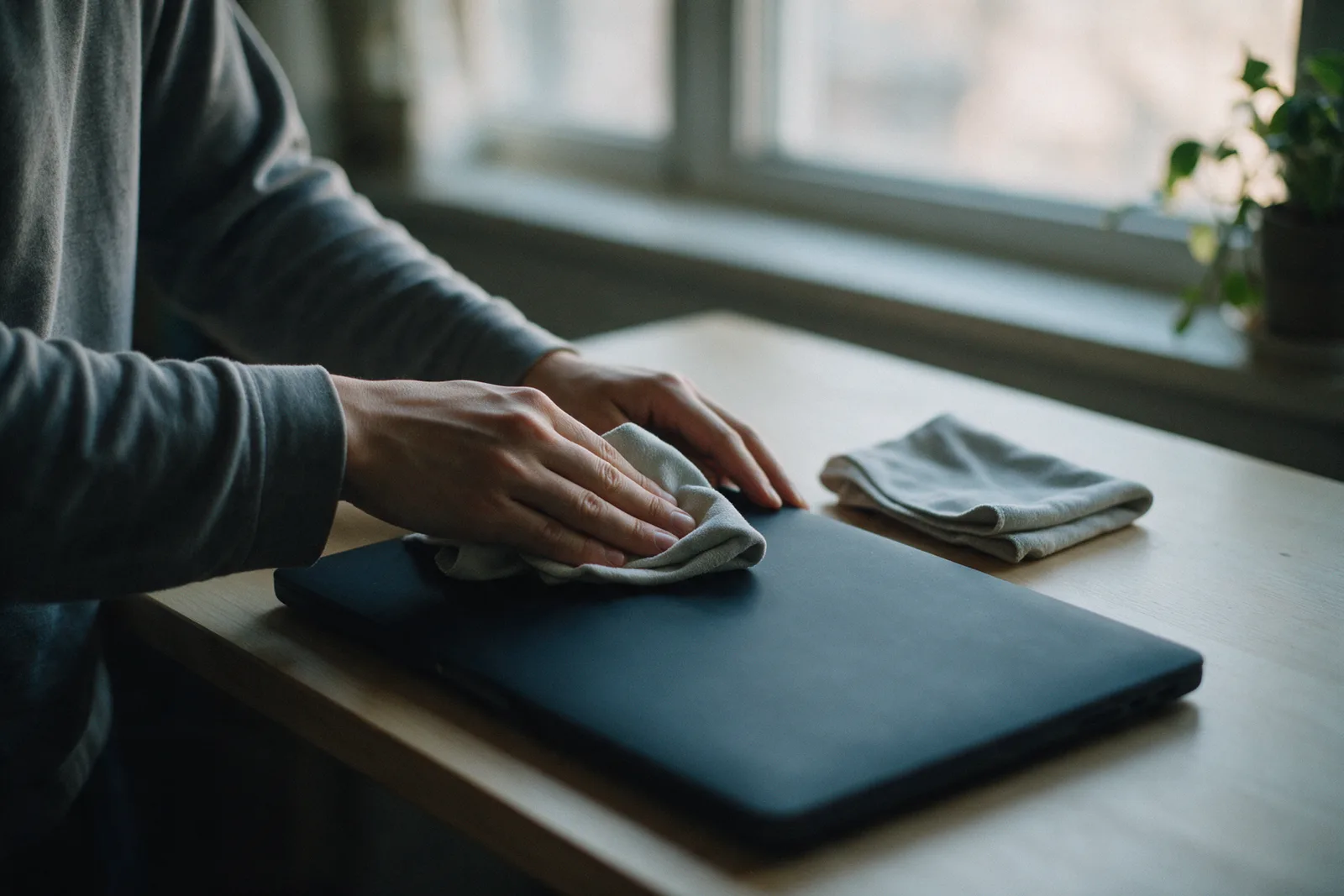
To clean a laptop safely, shut it down, unplug the charger and disconnect any accessories, then wipe the outside, keyboard and screen with a soft microfibre cloth that is only lightly damp. HP suggests a solution of 70% isopropyl alcohol and 30% water on the cloth. Never spray liquid onto the laptop, and let every surface dry fully before switching it on.
HP's cleaning guide is direct about the first step: "Never clean a laptop while it's on or plugged in." Apple's cleaning guide gives the same order for its notebooks: shut down, unplug the power adapter, then use a damp, soft, lint-free cloth, avoiding moisture in any openings.
Laptop makers do not all agree on every product. HP's list of chemicals to avoid includes ethyl alcohol, while Apple allows a 75 percent ethyl alcohol wipe on its own products. Read your laptop maker's own cleaning guidance before you start, and follow it where it differs from general advice.
What do you need to clean a laptop?
To clean a laptop you need a soft, lint-free or microfibre cloth, a little 70% isopropyl alcohol solution if your laptop maker allows it, and a can of compressed air for the keyboard and vents. HP rules out paper towels, tissues and rough cloths; Apple rules out abrasive cloths, towels and paper towels.
| Use | Avoid |
|---|---|
| Soft, lint-free or microfibre cloth | Paper towels, tissues, rough cloths |
| Cloth lightly dampened with 70% isopropyl alcohol | Bleach, ammonia, acetone |
| Short bursts of compressed air | Aerosol sprays on the laptop, solvents, abrasives |
| Liquid on the cloth only | Liquid sprayed on the laptop |
HP explains why the cloth matters: paper towels, tissues and rough cloths "can scratch screens and leave lint." It also warns: "Never soak a cloth so much that it drips."
How do you clean a laptop screen?
Clean a laptop screen with the laptop off and unplugged, using a soft microfibre cloth lightly dampened, not wet, and wiping gently. Never spray liquid onto the screen and never use a glass cleaner that contains ammonia, as HP warns. HP's list of chemicals to avoid includes ammonia, which is in many glass cleaners.
HP puts the screen rule in one sentence: "Never spray liquid directly onto the screen, and never use glass cleaners that contain ammonia." HP also says to wait until all surfaces are fully dry before you open, plug in or turn on the laptop.
How do you clean a laptop keyboard and vents?
Clean a laptop keyboard and vents with short bursts of compressed air to clear dust, holding the can upright, then wipe the keys with a cloth lightly dampened with the alcohol solution. HP suggests doing the keyboard and vents with compressed air about once a month, and says clean vents help a laptop stay cooler.
- Shut down and unplug the laptop and disconnect accessories.
- Blow out the keyboard with short bursts of compressed air, holding the can upright.
- Clear the vents the same way.
- Wipe the keys and trackpad with a lightly damp microfibre cloth.
- Clean the ports gently: HP says to brush or blow out dust from USB, HDMI and charging ports, and not to insert metal objects.
- Let it dry fully before you open, plug in or switch on the laptop.
HP notes that cleaning the vents "helps your laptop stay cooler, quieter, and faster." Our guide to keeping a laptop healthy in Malaysia's heat and humidity covers the rest of everyday care.
How often should you clean a laptop?
HP suggests wiping a laptop's screen, keyboard and trackpad about once a week, and cleaning the keyboard and vents with compressed air about once a month.
One way to keep the routine: a quick wipe on the same day each week, and the compressed air on the first weekend of each month. For school laptops, our guide to setting up a new laptop for school covers the other habits worth starting early.
Why must liquid stay out of the laptop?
Liquid inside a laptop is what careful cleaning is meant to prevent. Both HP and Apple warn against getting moisture into the laptop's openings, which is why cleaning liquid always goes on the cloth, never on the laptop itself.
For a CZ-4, Citzen says WhatsApp is its main channel, warranty support included: +60 12-565 2091. Citzen's warranty covers malfunctioning components and manufacturing defects for one year from the date of purchase; in Citzen's words, "Damage from negligence, mishandling, or misuse is not covered." Our guide on when to visit a laptop service centre and what to bring explains how to prepare, and the service centres page lists Citzen's centres in Ipoh, Kota Kinabalu and Sibu.
Where can I get help from Citzen?
Message Citzen's WhatsApp hotline, +60 12-565 2091; Citzen says WhatsApp is its main channel for everything, warranty support included. The support page sets out delivery, warranty and returns in full.
Frequently asked questions
Can I use alcohol to clean my laptop?
Both HP and Apple allow isopropyl alcohol in a light, careful way. HP suggests a soft microfibre cloth lightly dampened with 70% isopropyl alcohol and 30% water; Apple allows a 70 percent isopropyl alcohol wipe on hard, non-porous surfaces such as the display and keyboard. Check your own laptop maker's guidance first.
Can I spray screen cleaner on my laptop screen?
No. HP says never to spray liquid directly onto the screen or the laptop, and Apple says not to spray liquid directly on the computer. Put a little liquid on the cloth instead, and never so much that it drips.
What should I never use to clean a laptop?
HP says to avoid harsh chemicals like bleach, ammonia and acetone, including glass cleaners that contain ammonia, and to avoid paper towels, tissues and rough cloths. Apple adds aerosol sprays, solvents and abrasives to the list.
How often should I clean my laptop?
HP suggests wiping the screen, keyboard and trackpad about once a week, and clearing the keyboard and vents with compressed air about once a month.
Does the CZ-4 warranty cover liquid damage from cleaning?
Citzen's warranty covers malfunctioning components and manufacturing defects for one year from purchase. In Citzen's words, damage from negligence, mishandling or misuse is not covered. Ask Citzen on WhatsApp, +60 12-565 2091, about a specific case.
Sources
- HP, Laptop Cleaning and Care: How to Clean Your Laptop and Screen Safely (HP Tech Takes).
- Apple Support, How to clean your Apple products (page dated 22 October 2026).
- Citzen, Support and warranty and Service centres.